Manage Stored Files in the Web UI
Download your converted files again or delete them in the imgcompress Storage panel. You can also hide the panel from other users.
Web UIGuide
Download your converted files again or delete them in the imgcompress Storage panel. You can also hide the panel from other users.
imgcompress saves your converted files, so you can download them again later. You manage them in the Storage Management panel.
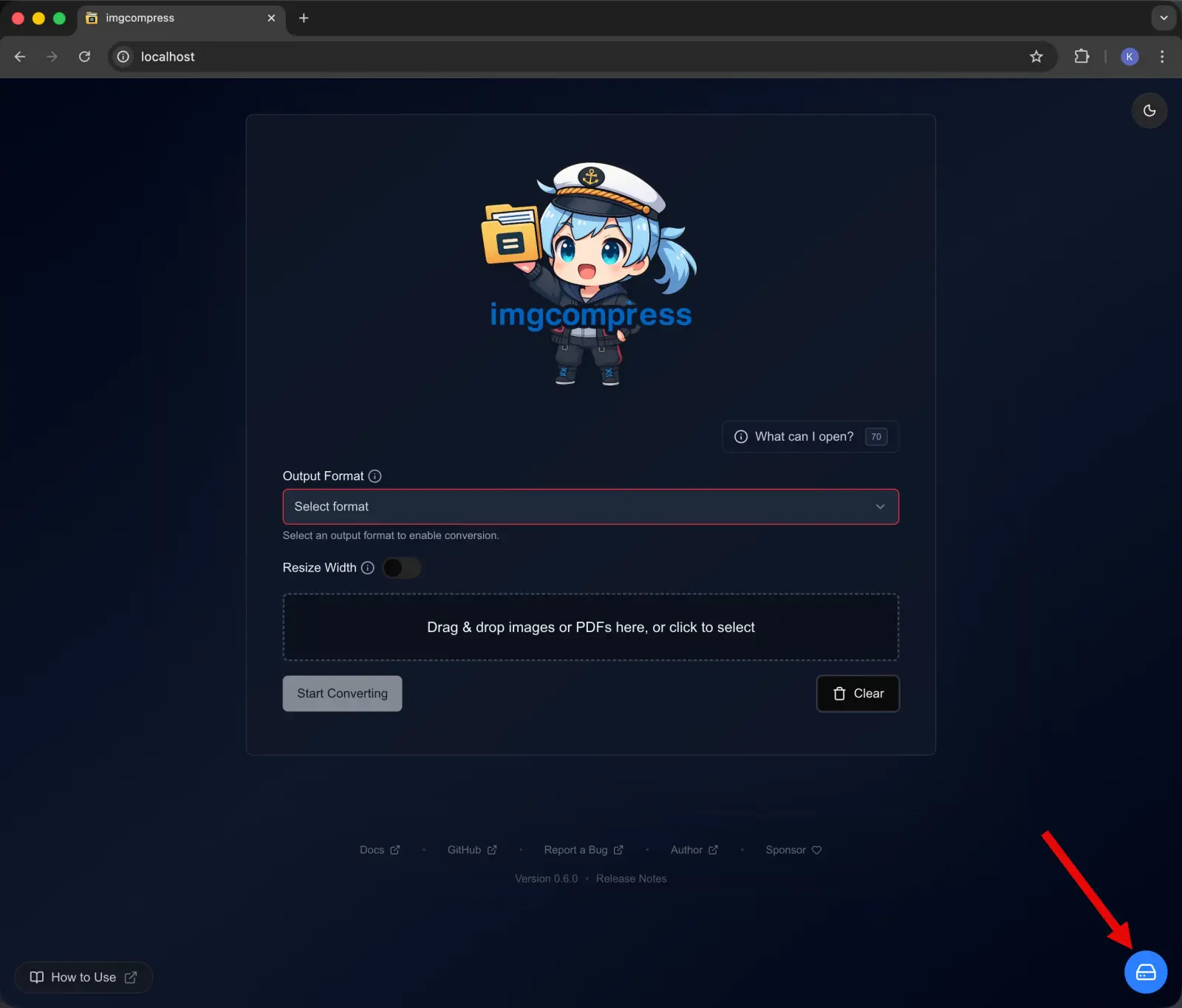
If other people use your copy and should not see converted files, set DISABLE_STORAGE_MANAGEMENT=true. See the Configuration reference. The proxied compose file hides the panel by default.