Make a YouTube Thumbnail (1280 × 720)
Make a YouTube thumbnail in minutes: turn any image into 1280 × 720, add a blurred or custom background and a bold title. Free, in your browser, no upload.
EditorGuideNew in v1.0
Make a YouTube thumbnail in minutes: turn any image into 1280 × 720, add a blurred or custom background and a bold title. Free, in your browser, no upload.
YouTube thumbnails are 1280 × 720 pixels (16:9). The image editor has a preset for exactly that, so you never have to calculate anything.
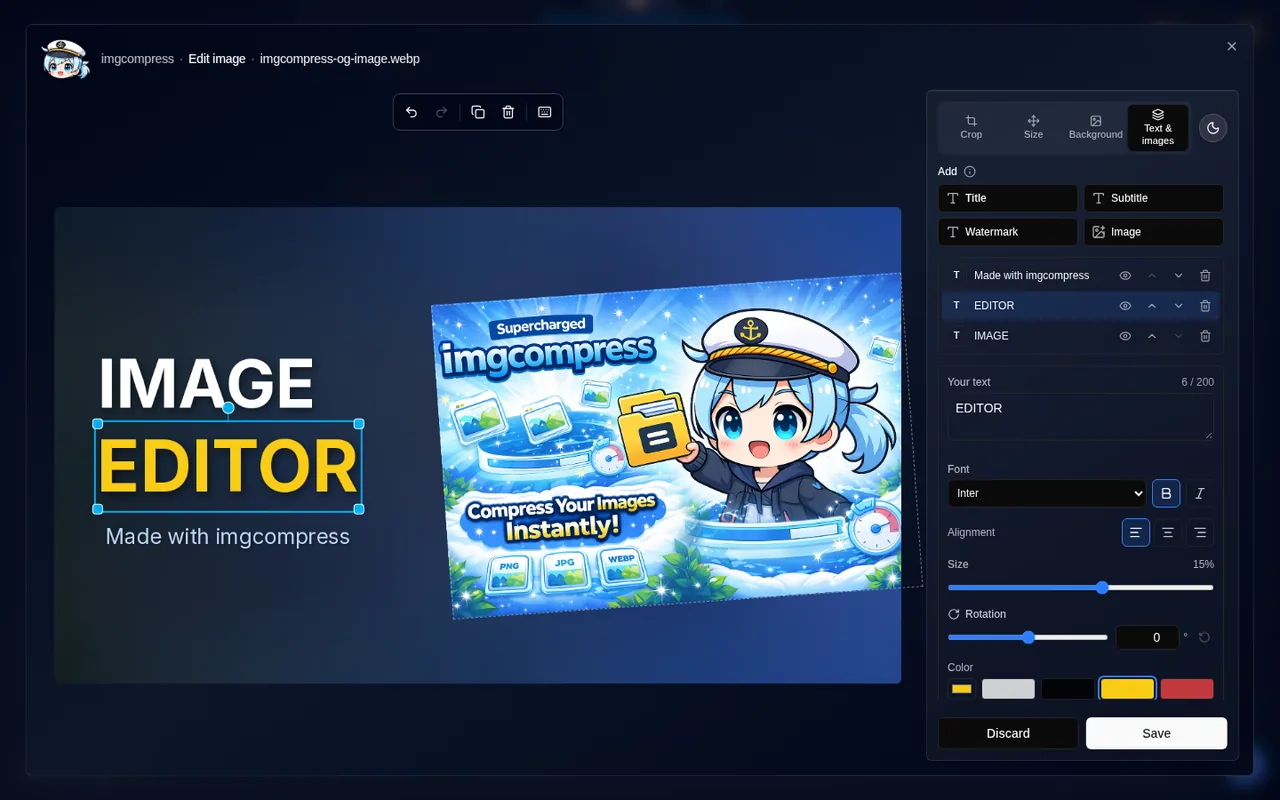
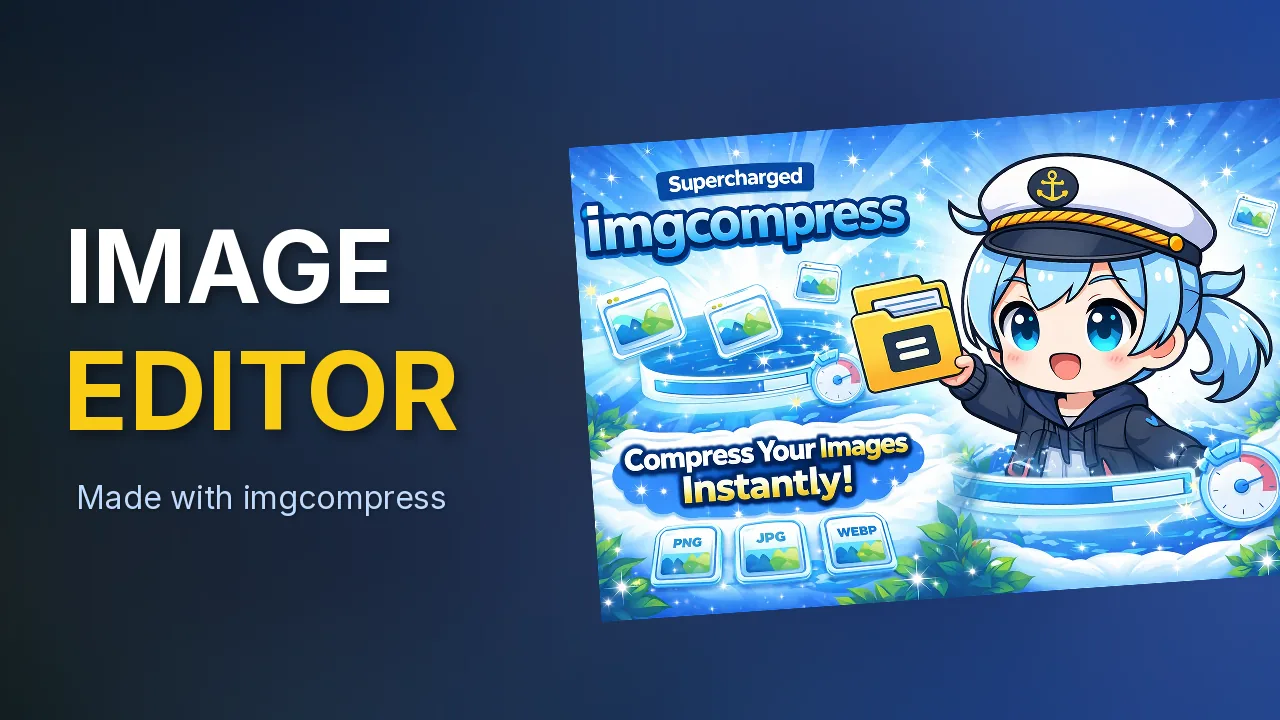
YouTube accepts JPG, PNG and GIF thumbnails up to 2 MB. JPEG at quality 85 is a safe choice. Use Target a specific file size if your thumbnail is too big.
The same steps work for every preset in Size:
| Use | Size |
|---|---|
| YouTube Shorts, Reels, TikTok, stories | 1080 × 1920 |
| Instagram post | 1080 × 1080 |
| Instagram portrait | 1080 × 1350 |
| X post | 1600 × 900 |
| Link preview (Open Graph) | 1200 × 630 |
| GitHub social preview | 1280 × 640 |
| YouTube channel banner (2K) | 2560 × 1440 |