Compress every
image format. Zero cloud.ImgCompress, your self-hosted image toolbox.
Compress, convert, and resize 70+ formats in bulk, and remove backgrounds with local AI. Everything runs inside your container, so your files stay private. Privacy is where it really shines.
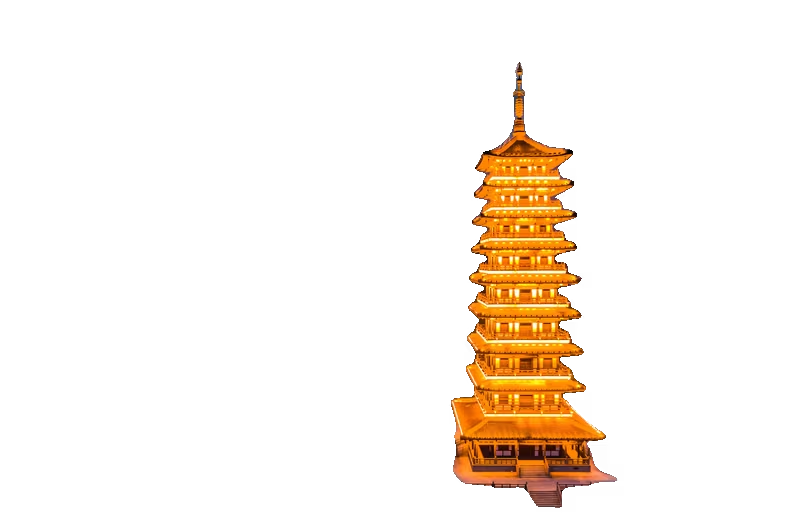
See background removal in action
Drag the handle to compare. The AI runs entirely on your hardware — no API call, no subscription, no file ever leaves your server.

Recognized by the self-hosted community
ImgCompress was built to solve real problems self-hosters hit every day, and the community noticed. It was added to curated tool lists like Awesome Self-Hosted, and it ships as an official Coolify service.

Awesome Self-Hosted

The most-starred curated list of self-hosted software on GitHub. ImgCompress was accepted into the list alongside the tools self-hosters already run in production.

Coolify
Coolify is an open-source, self-hostable deployment platform. ImgCompress is listed as an official Coolify service, so you can add it to your stack straight from the Coolify dashboard.
“I’m honestly thankful this project got accepted by the open-source community. Seeing ImgCompress show up on lists like Awesome Self-Hosted and Coolify, used by self-hosters I’ve never met, makes me really happy it got this far.”
Know another platform that features ImgCompress?
If ImgCompress is featured somewhere I haven't included here, or you want to add it to another list or service, please get in touch. I'd be happy to include it.
Everything in one container
Format conversion, compression, AI background removal, and PDF export all in one container.
70+ Format Support
HEIC, HEIF, PSD, AVIF, EPS, PDF and more. 10 formats are fully tested and confirmed; 60+ additional ones are supported and likely to work too.
Local AI Background Removal
A bundled AI model runs entirely on your hardware. No API key needed, no subscription, your files stay local. Drop an image, get a clean cutout.
Smart PDF Creation
Convert image batches to structured A4 PDFs with automatic pagination. Long screenshots split cleanly across pages without any manual tweaking.
Batch Compression
Multi-core parallel processing. Shrink an entire photo library in one job with control over quality targets and output format.
Air-Gap Ready
Once pulled, runs with no internet connection needed. Works well for private networks, NAS drives, and homelabs where you want things kept local.
Web UI + CLI
A clean browser interface for day-to-day use and a full CLI for scripting pipelines. Both come inside the same image, nothing extra to install.
Every format you'll encounter
Highlighted formats are tested and confirmed working. The rest are likely to work but haven't been fully validated yet.
What "self-hosted" actually means
Your files stay on your hardware. Everything runs locally, with no external calls, no telemetry, and no cloud dependency.
Conversions, compression, and AI inference all run locally. Your images never leave your machine, not even for telemetry.
No analytics, no crash reporting, no feature flags phoning home. The container is completely silent on the network after startup.
Once pulled, the image runs with no internet connection needed. It is open source, so it is free forever. No license checks, no subscriptions, no expiry.
Three steps
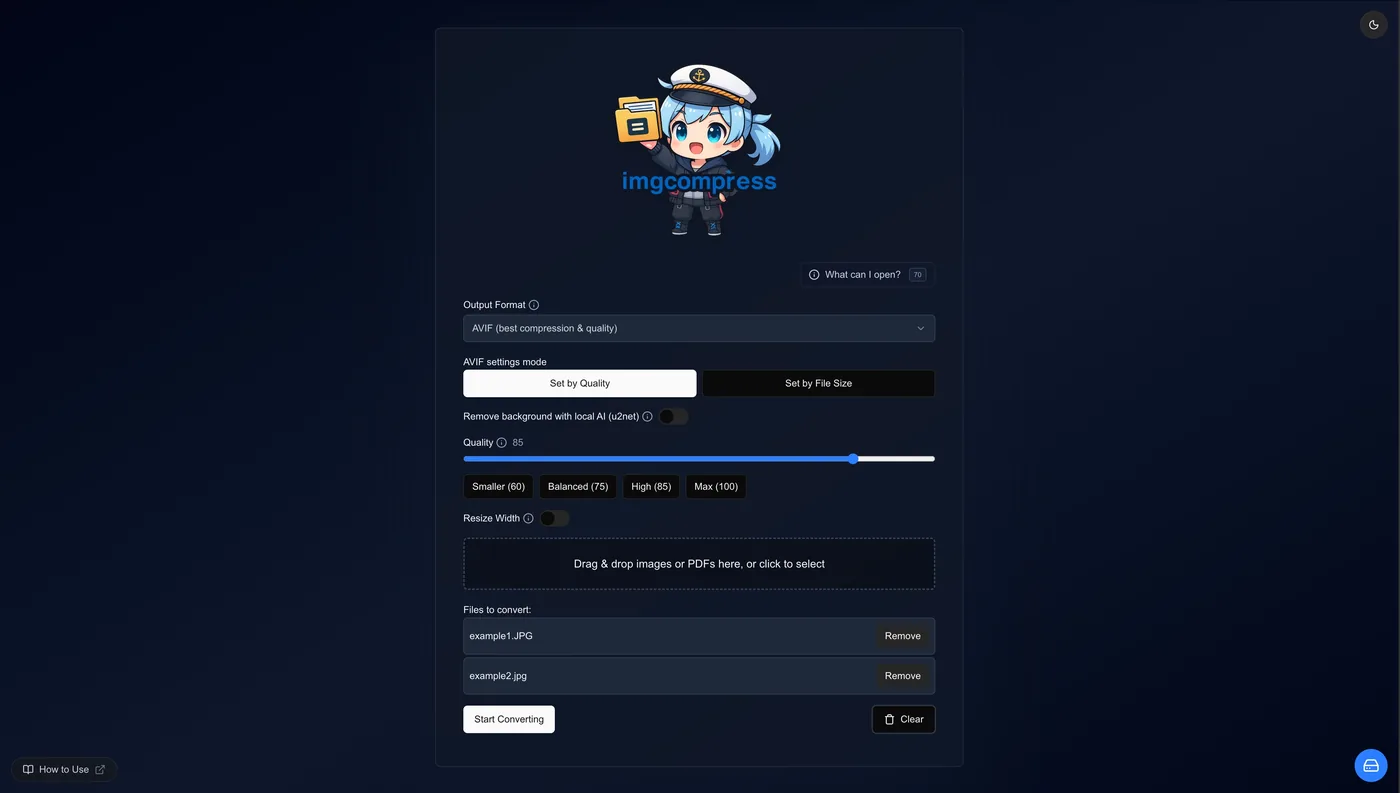
Drag & Drop
Drop any file into the web interface. HEIC from your iPhone, PSD from your designer, RAW from your camera — anything works instantly.
Pick a Task
Convert format, compress to a target size, remove the background, or export as PDF. Batch-select for bulk operations on entire folders.
Download
Results are ready in seconds. Download individually or grab everything as a ZIP. No queue, no watermarks, no limits.
Why this tool exists
I kept hitting the same wall. Every unusual format meant installing yet another app. A batch of iPhone HEIC photos. A PSD from a designer. A pile of TIFFs from a scanner. Each one needed its own dedicated tool.
And uploading personal photos to random online converters? That never felt right. Those files don't belong on someone else's server.
"Why can't one tool just handle all of this?"
— the frustration that started this project
So I packed 70+ format codecs, a local AI model, and a PDF engine into a single Docker image. What started as a personal fix is now used by self-hosters around the world, which still feels unexpected.
Ready to run it?
Pull the image, open localhost:3001, start converting. About 60 seconds total.