Self-Hosted Bulk Image Converter & Optimizer for Docker | ImgCompress
AI Magic
Instant AI Background Removal (100% Private)
Instantly remove backgrounds with our powerful local AI, no cloud processing, no subscriptions, no tracking. Everything runs offline on your machine for total privacy.
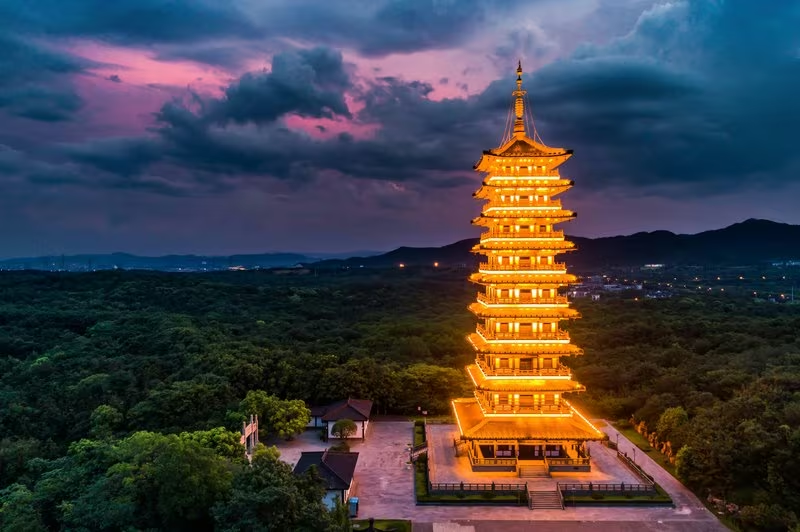
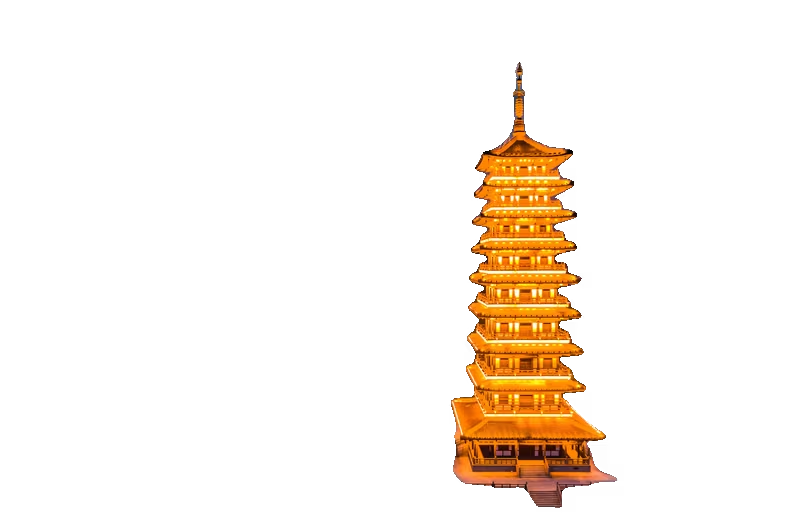
Slide to watch the background vanish instantly.
Toolkit
The Universal Docker Image Toolkit
70+ Universal Formats
Convert between HEIC, PSD, WebP, AVIF, PDF, PNG, JPG and 60+ more formats with ease.
Local AI Background Removal
Remove backgrounds with powerful AI. No cloud, no tracking. Everything runs 100% on your hardware.
Privacy First
100% Offline. Designed for private networks. No images or data ever leave your server, NAS, or homelab.
Smart PDF Creator
Turn images into structured PDFs with intelligent A4 pagination and "Smart Splitting" for long captures.
High Performance
Multi-core batch processing for lightning-fast optimization of entire photo libraries.
Ready-to-Go Docker Box
Clean installation via Docker. No messy libraries on your system, just one command to run anywhere.
Workflow
How to use it
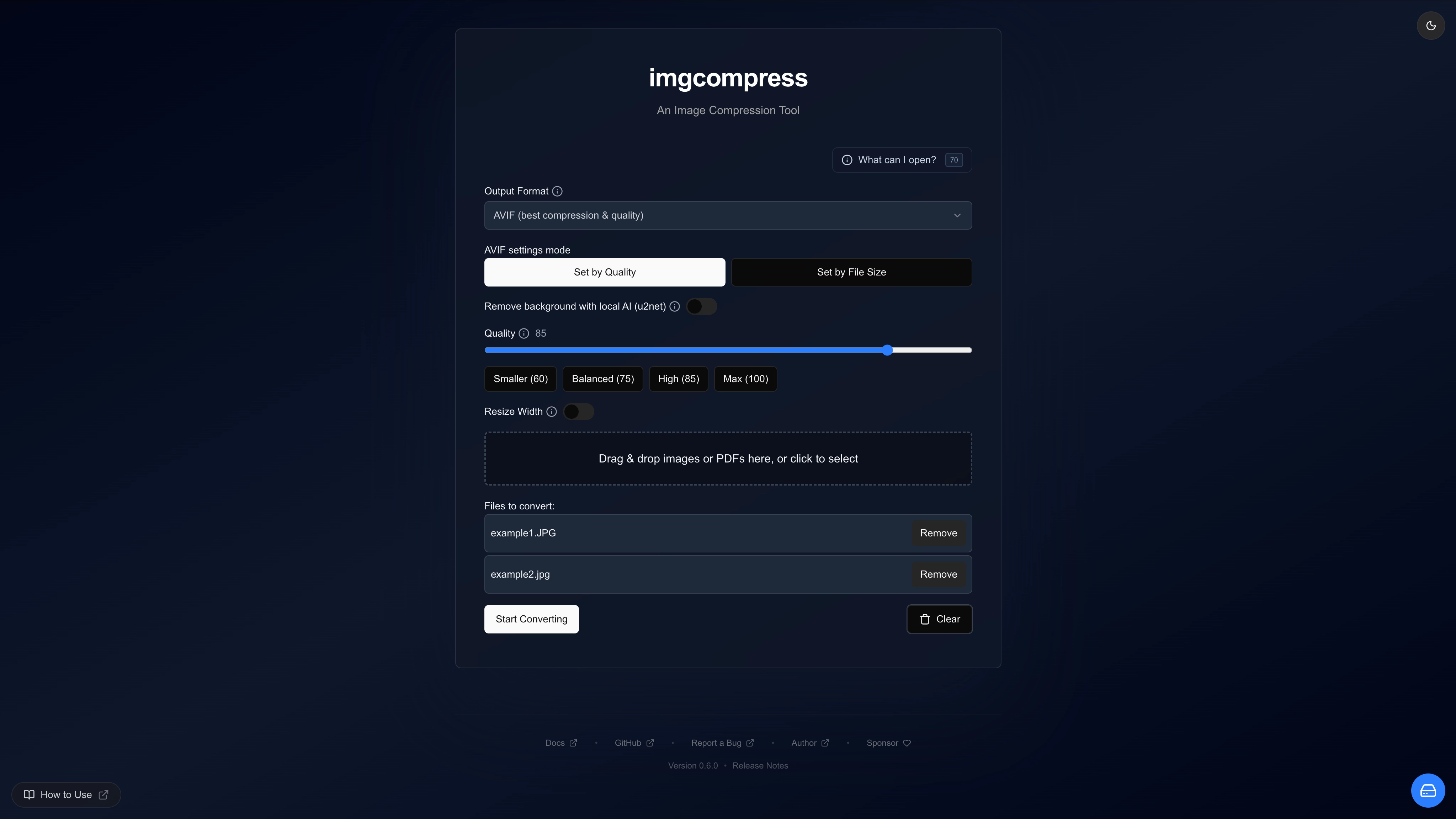
Drag & Drop
Drop your photos directly into the web interface.
Pick a Task
Shrink, convert, or remove backgrounds in one click.
Download
Get your optimized images back instantly.
Story
Why I built ImgCompress
I was tired of the "Software Loop." Every time I encountered a format I couldn't open, like a batch of iPhone HEIC photos, a TIFF, or a PSD file, I had to hunt for a specific converter. And if I simply wanted to turn those into a PDF or a simple JPEG? That required installing yet another app:
PSD files
Needed specialized software just to convert them to an image file.
HEIC files
Needed a converter for my iPhone (HEIC) photos so ordinary devices could actually open them.
Image to PDF
Needed to turn long screenshots into structured A4 PDFs that split across pages automatically, because in a professional setting, people prefer PDFs.
AI Backgrounds
Wanted to remove backgrounds for quick edits without launching heavy software. So I added a private, local AI to do it instantly.
"Why can't one tool just do it all?" Plus, uploading personal photos to random online converters never felt right to me.
One Toolbox for Everything
So I built a single toolbox that accepts over 70+ input formats, even vector graphics or complex design projects, and converts them into usable images instantly. Whether you need to turn a PSD design into a PNG, convert HEIC photos, or shrink a massive 4K image, this tool does it automatically.
The community has now pulled the image tens of thousands of times, which shows the pain is real.
Why Docker?
I chose Docker because it keeps your computer clean. Instead of you having to install 70 different messy libraries on your system, I packed everything into one Ready-to-go Box that you can run anywhere called imgcompress. It just works.
Get Started
Ready to optimize?
Join the community and shrink your images today.